

Turn a tablet into a family calendar.
Turn any tablet you already own into a family calendar wall display, with no special screen to buy. Plannie runs in the browser, and wall-display mode makes it an always-on family screen in a few minutes.
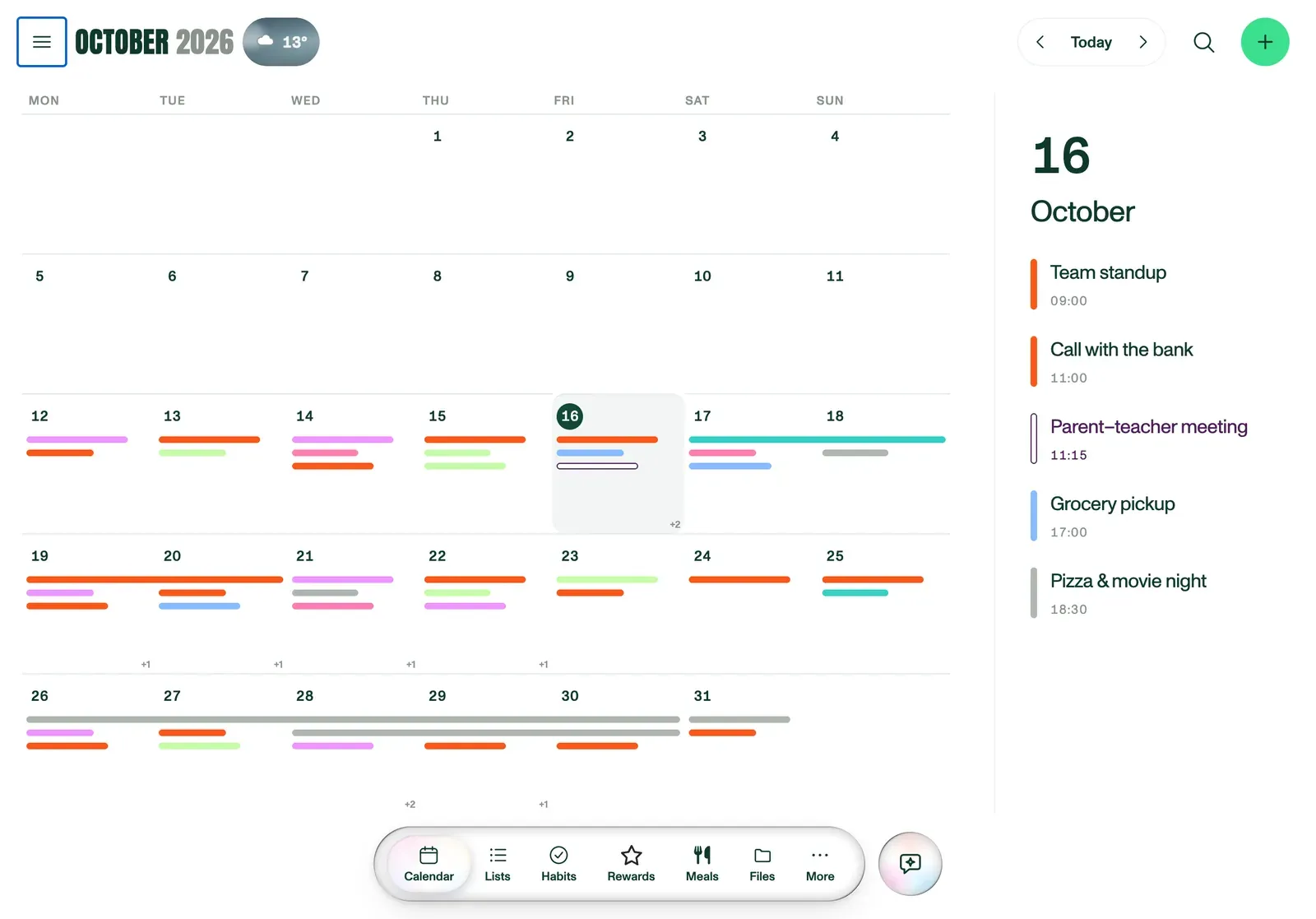
Any tablet you already own
Dedicated wall-calendar devices are, underneath the branding, a tablet running an app. Plannie skips the markup: it's software, so an old iPad, a budget Android tablet, or a laptop on a shelf becomes a full family calendar display. Nothing to buy, register or keep updated separately from the app itself.
SETUP STEPS
- Mount or prop the tablet where the household passes by most: kitchen counter, hallway, wherever plans get checked.
- Open Plannie in the tablet's browser and sign in to the household.
- In Settings → General, turn on wall-display mode and set a household PIN.
- Leave it plugged in. Wall-display mode is built to run all day.
Built to sit on a wall all day
Wall-display (kiosk) mode changes three things: it keeps the screen awake instead of auto-locking, shows a family screensaver between interactions, and locks settings and other members' private areas behind the household PIN. Everyone can view the calendar and tick off today's tasks; changing settings needs the code.
What the display can and can't see
The wall display shows what's already shared with the household: the calendar, chores and lists every member has on their own phone. It doesn't add any new camera, microphone or listening capability. It's the same Plannie app your family already uses, just left open on a shared screen.
Frequently asked
Do I need to buy a wall-calendar screen?+
No. Plannie runs in any browser, so a spare tablet already in a drawer becomes a full wall display in a few minutes. There's no proprietary hub to buy, register or update.
What tablet do I need?+
Any tablet from the last few years with a modern browser, iPad or Android, works. A laptop propped on a shelf works too; wall-display mode is designed for touch but doesn't require it.
Is the wall display safe for kids to touch?+
Yes, wall-display mode is built for that. Kids can tick off their own tasks and check the day's plan; the household PIN keeps settings and other private areas locked, so a curious tap can't change anything sensitive.
What can other people in the room see?+
Only what's on the household calendar and lists, the same information every family member already sees on their phone. There's no camera, microphone or always-listening feature on the wall display itself.